 Shipping Help Center
How Do I View Cancelled Shipments?
Use the advanced filters in your shipment history to find a cancelled shipment.
- Sign in and select History & Tracking from the left-hand menu.
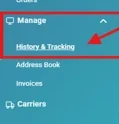
History & Tracking under Manage in the sidebar - Select Advanced to expand the search options.

Advanced search button in History & Tracking - Select Cancelled, then select Search.
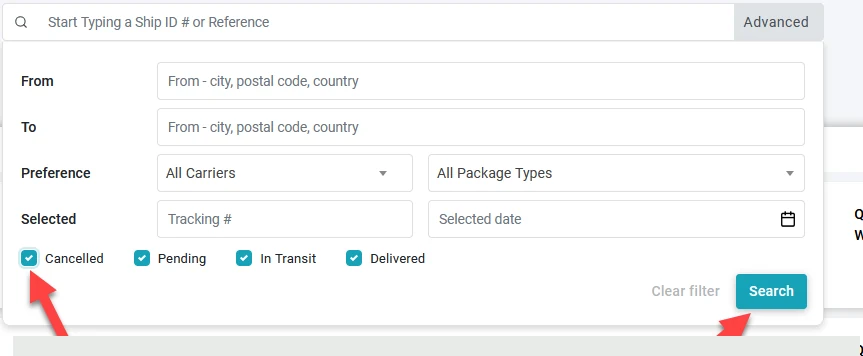
Cancelled filter and Search button - Open a shipment from the results to review its details and history.
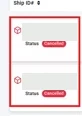
Cancelled status badges in search results